
Friends & Social
Aether Chronicles is a duel game, so it's better with friends. This page covers your account, how to add friends and challenge them, messaging, the leaderboard, your public player card, and every option in Settings.
Your account
You sign in with an email and password (at least 8 characters). Accounts are free, and your progress is saved to the cloud so you can pick it up on another device. "Accounts are free and take seconds. Your progress is saved to the cloud so it's never lost."
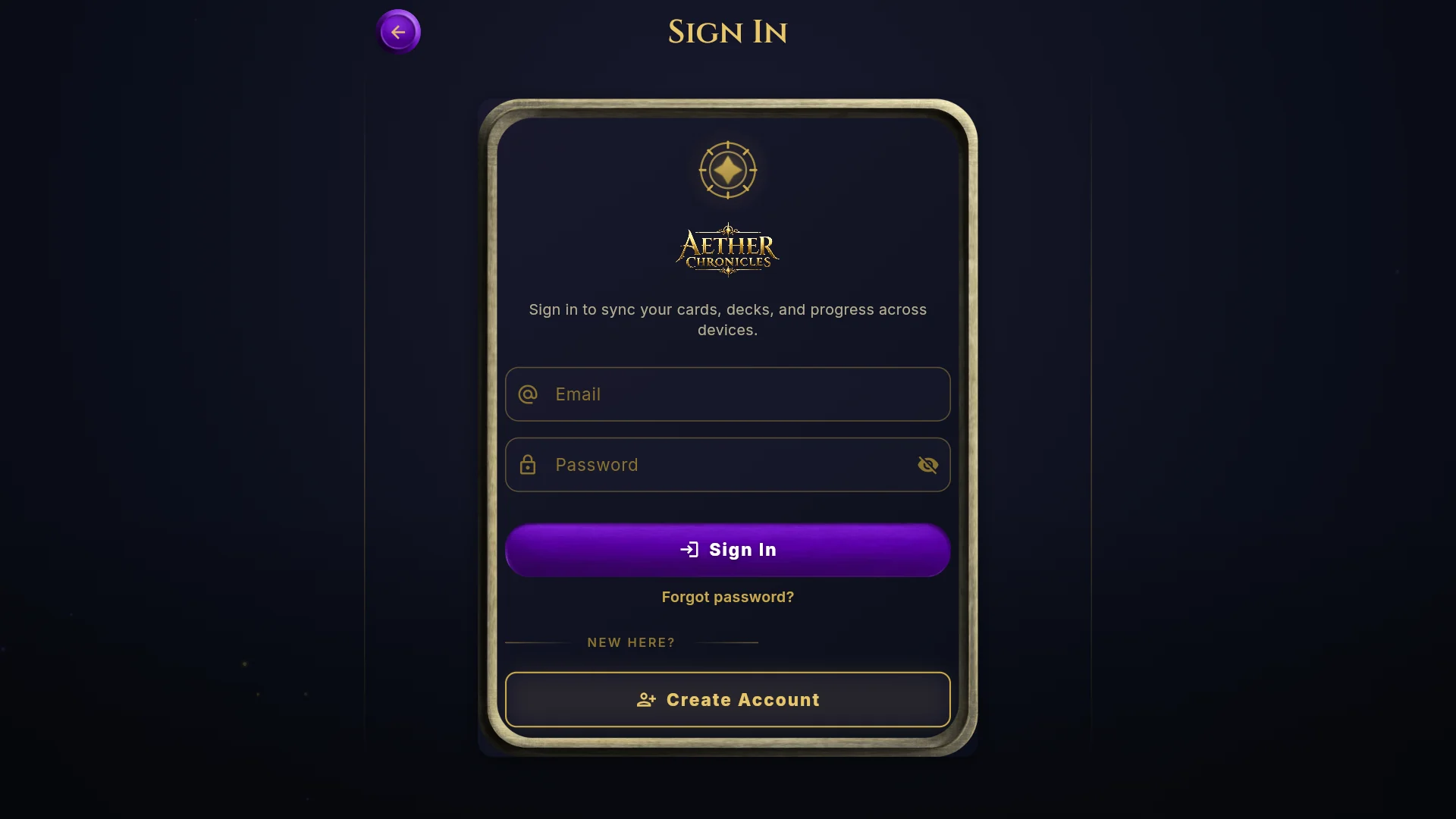
- New players need an account. There's no guest mode for new players.
- Offline play: your device keeps its own save, so solo modes keep working without a connection and sync when you're back online.
- Same account everywhere: cards, currencies, decks and friends are shared between the web game and the iPhone app (when it's released).
- Deleting your account: Settings → Account → Delete account. This permanently removes your account and its cloud data (cloud save, friends and messages). It can't be undone. Your progress on that device stays and you keep playing as a guest there.
@handles and friend codes
Claim a public @handle so friends can find you: 3 to 20 letters, numbers or underscores. Offensive names, or names that look like staff accounts, are refused. You can change it later in Settings. Every account also has a friend code; tap "Copy friend code" to share it.
Friends
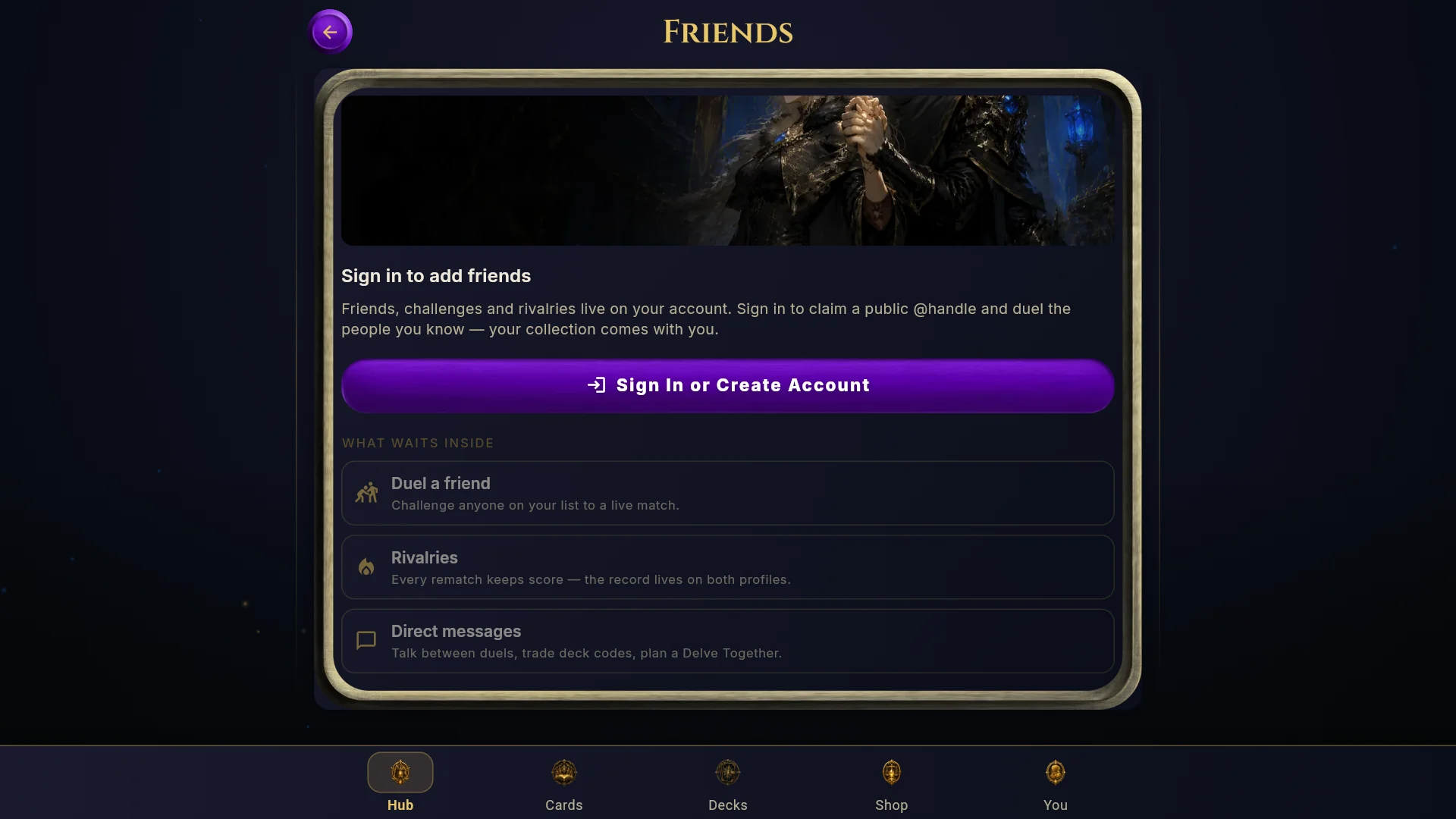
Add a friend by their @handle or friend code. You can have up to 100 friends. Your list shows who's online (active in the last 2 minutes), who's in a duel and when everyone else was last seen. You can also set a short status for friends to see.
What you can do with a friend
| Action | What it does |
|---|---|
| Duel | A friendly match with standard rules. It's unranked and pays no coins or gems ("Friendly match · unranked"). |
| Custom challenge | Host a match with your own rules: turn timer (Off, 30, 60 or 90 seconds), starting Soul (20, 30 or 40) and a turn limit (default, 30, 45 or 60). |
| Delve together | Run a Dungeon Delve as a co-op team. |
| Message | Open a direct message thread (see below). |
| Remove | Unfriend them. |
| Block | "They won't be able to message or challenge you." Blocked players are listed at the bottom of the Friends screen, where you can unblock them. |
| Report | "Send a report to our team about this player. This won't block them." |
Challenge invites expire after 5 minutes. The Friends screen groups everything into sections: Incoming challenges, Return to duel, Matches ready, Friend requests, "Since you last looked" (what your friends have been up to), your Friends, Season rivals (friends ranked this season) and Blocked.
Direct messages
Messages can be up to 256 characters. You can drop in card chips (tap one to open the card) and deck-code chips (tap one to import the deck), and react to messages with emoji. Every message passes through a moderation filter.
In the deck editor, copy your deck code and paste it into a message. Your friend gets a chip they can tap to import the whole list. See sharing decks.
In-match chat
During online matches, chat is limited to preset phrases (Greetings, Good luck, Well played, Nice move, Thinking…, Oops, Good game, Rematch?) plus your emotes. You can mute your opponent or turn off battle emotes in Settings.
Guilds
There are no guilds or clans in Aether Chronicles. The social side is friends, rivals and the leaderboard.
Leaderboard
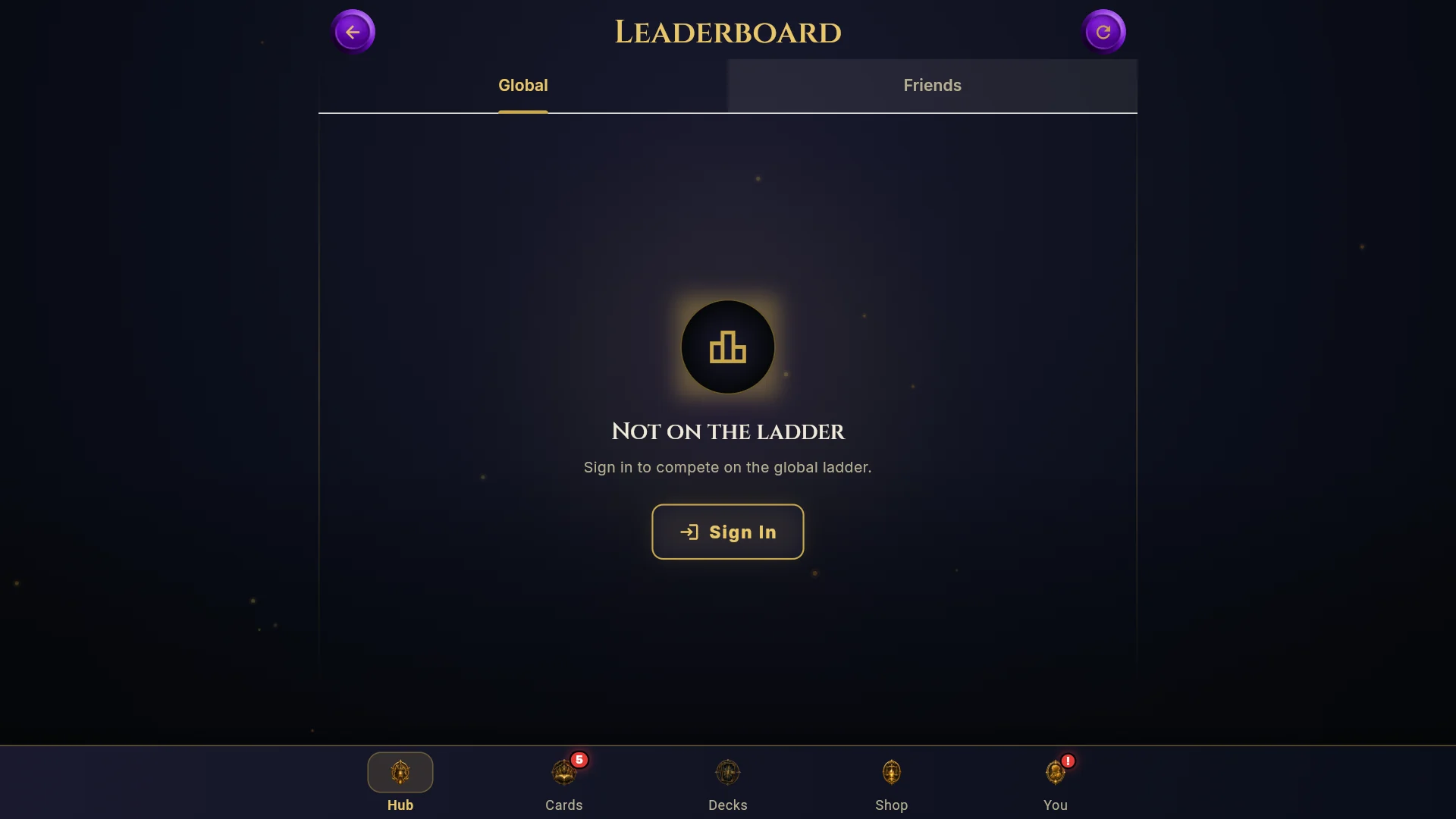
Two tabs: Global shows the top 50 players of the current ranked split plus your own standing, and Friends ranks you against your friends. It resets with each 28-day split.
Rivalries and dossiers
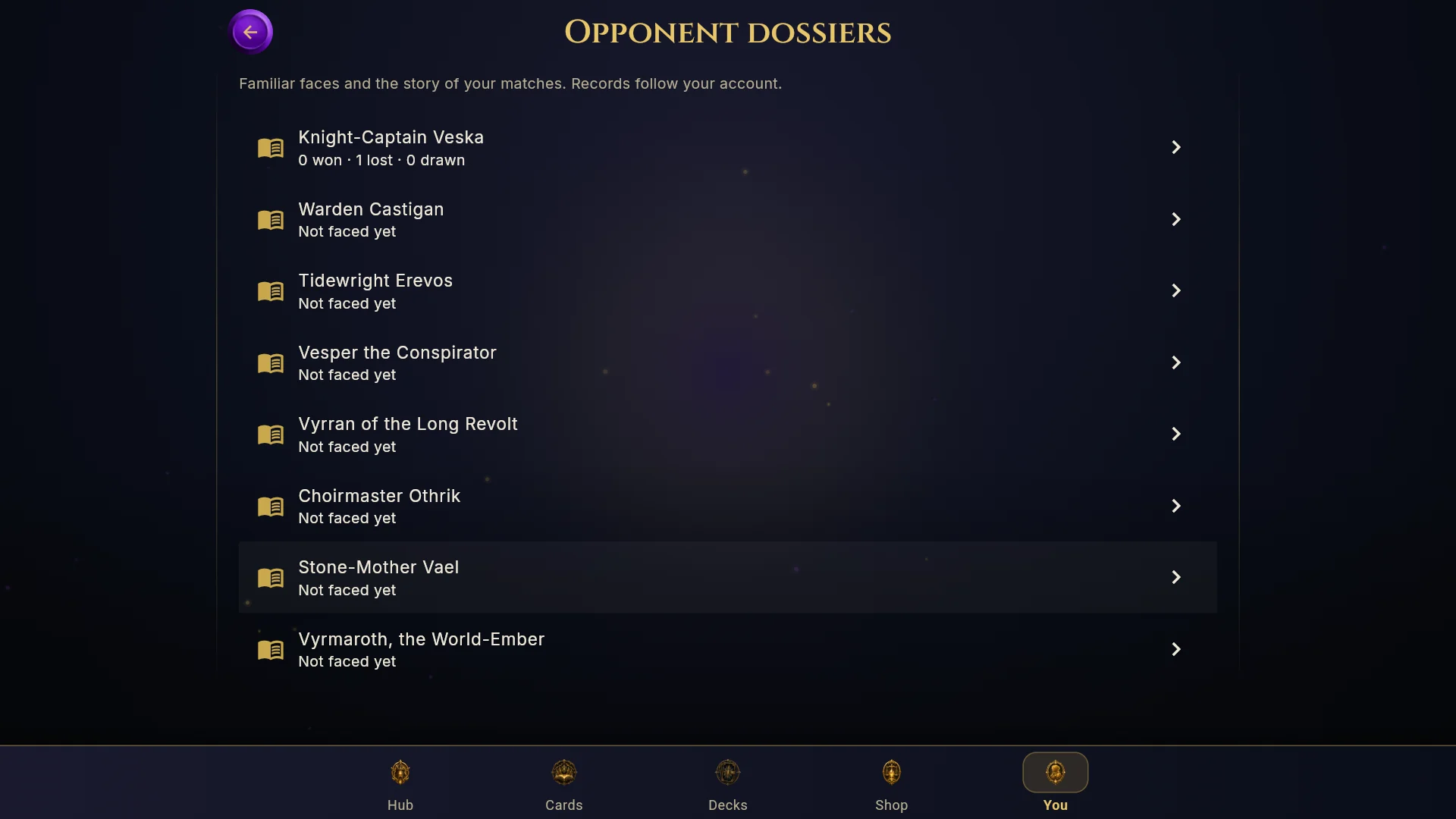
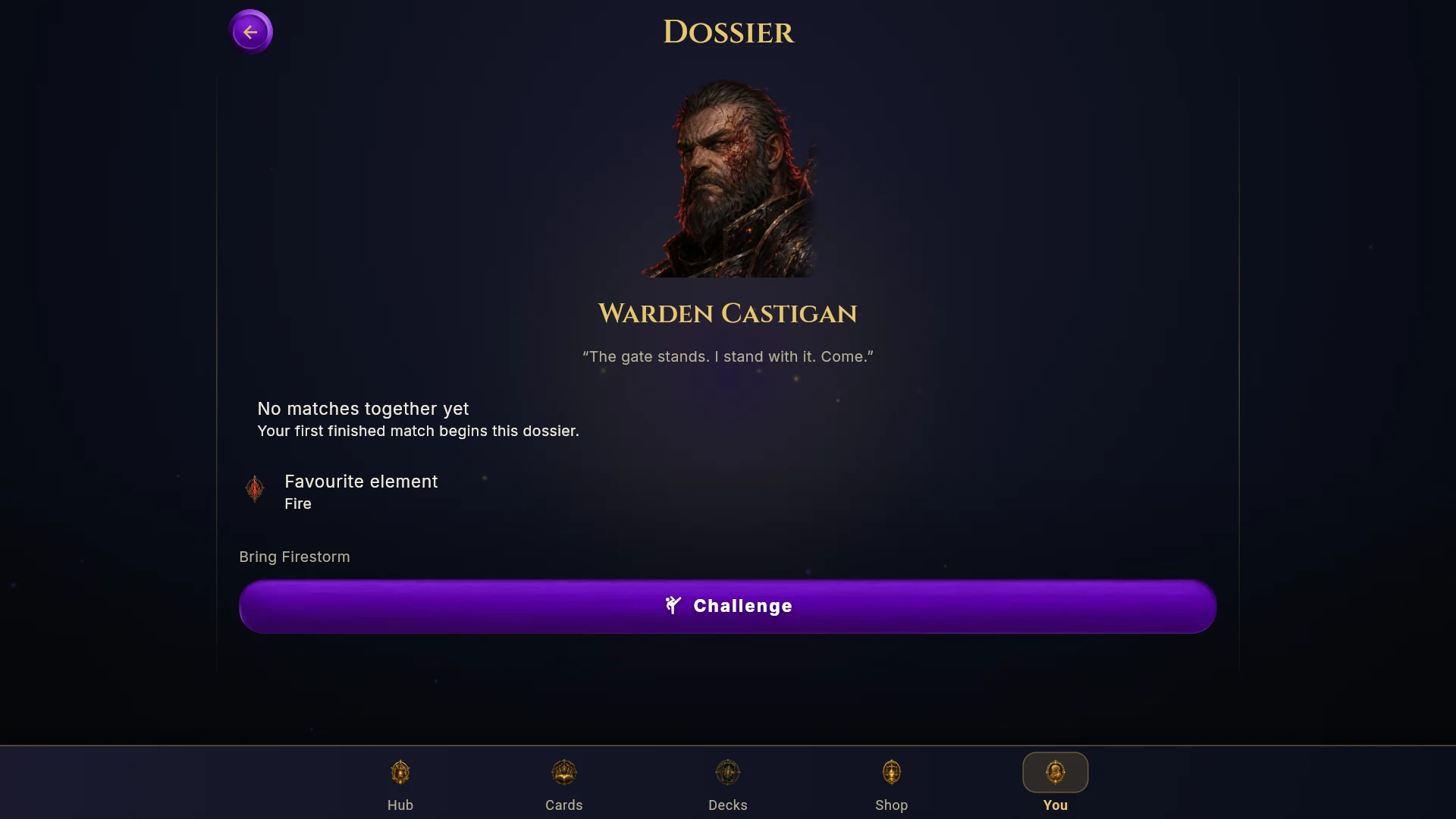
Once you've played someone, their player card shows your head-to-head record (for example "You 3-2"). The Dossiers screen (from the You tab, Match History or the Practice sheet) keeps a file on every opponent you've faced, AI or human, with your head-to-head record, current streak, your last five results against them, your best deck in the matchup and their favourite element. A Rematch button sets up the same fight again.
Your profile (the You tab)
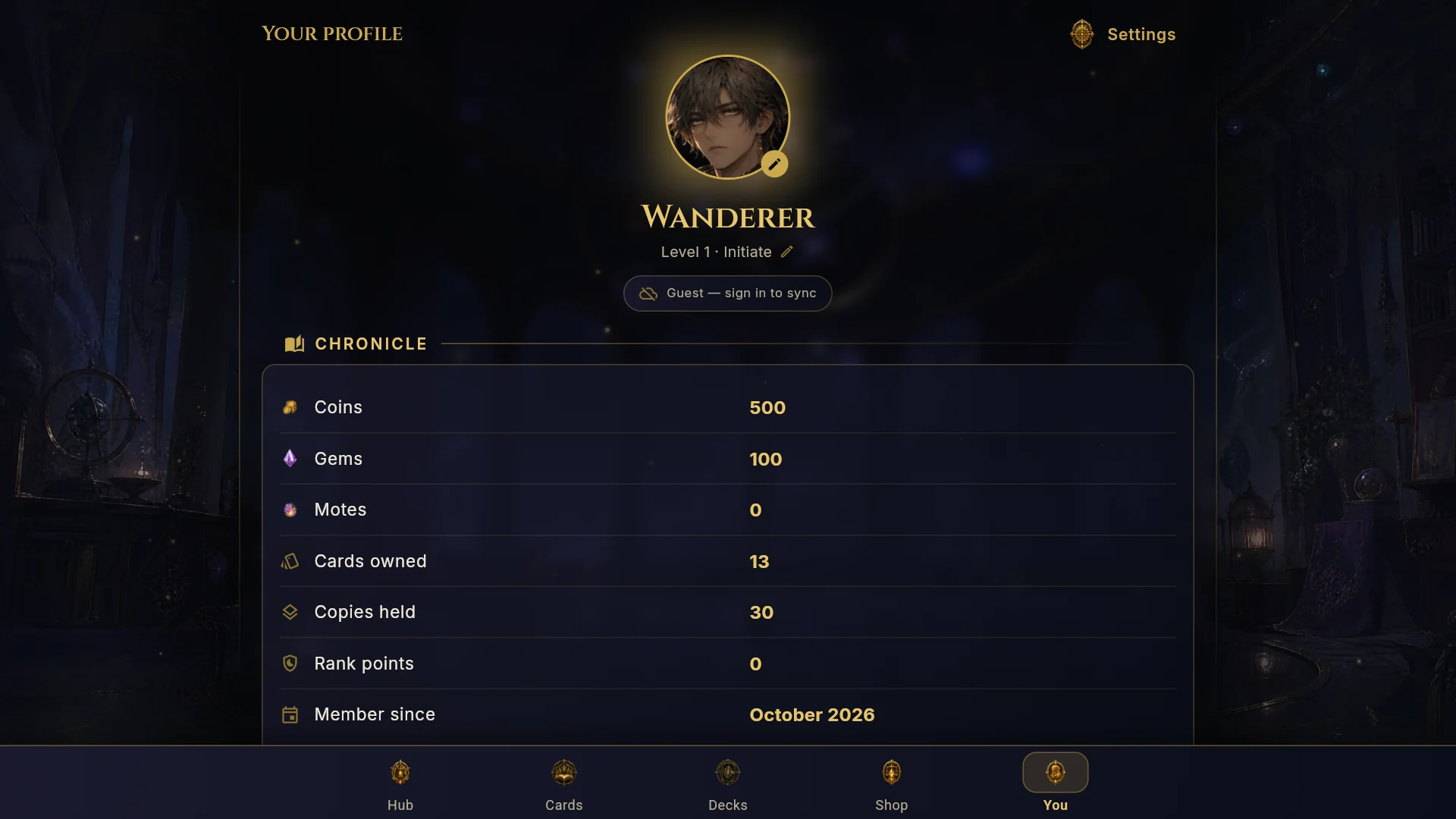
Chronicle
Your coins, gems and Motes, cards owned, copies held, rank points and the date you joined.
Your Card
"What other players see when they open your profile." Set a status, a showcase deck, a pinned stat, up to three showcase cards, your title, avatar and frame. Tap Preview to see it as others do.
Record
Duels across your decks, win rate, online win streak, best Daily Trial streak, days in a row, decks built and your play patterns.
Pursuits
Shortcuts to the Covenant, the Ranked ladder, Friends, Achievements, Match History, unopened packs and new cards.
Cosmetics
Avatar, Playmats, Backgrounds and Card sleeves. See Cosmetics.
Match History
Your last 20 matches. Open one to watch the replay turn by turn.
Settings
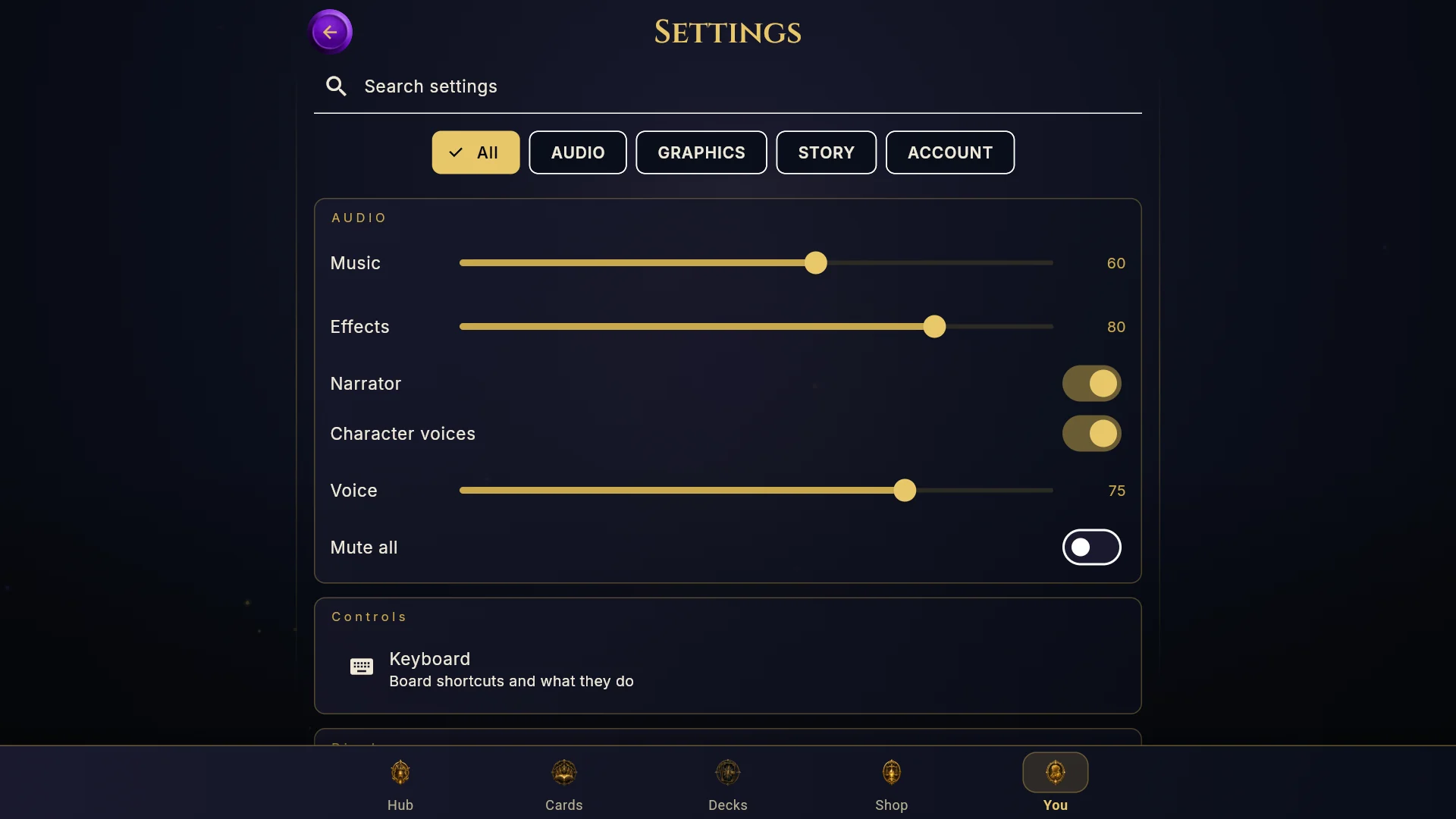
| Category | Options |
|---|---|
| Audio | Music, Effects, Narrator, Character voices, Voice, Mute all |
| Graphics | Quality (Low, Medium, High), Particles, Animations, Battery saver, Detailed foe turns, Cinematic moments (Off, Once, Every), Battle speed, Text size, Distinguish elements by shape |
| Personalization | Avatar, Playmats, Change @username, Mute opponent chat, Battle emotes, Confirm plays in PvP, Turn alerts in the background, Haptics |
| Tutorial | How to play, Reset tutorial, Replay opening cinematic |
| Account | Log out, Create account or Sign in, Delete account, Reset settings, Check for updates, Privacy Policy, Terms & Support |
Accessibility
- Text size: Smaller, System, Large, Larger or Largest (85% to 130%).
- Distinguish elements by shape: "Clear symbols for elements, rarity, and battle outcomes. Element colours stay the same." Turn this on if colours are hard to tell apart.
- Reduced motion: turn off Animations, or turn on Battery saver. This also skips the dice tumble and Mythic projections.
- Pacing: Battle speed, Detailed foe turns, and story text speed (Slow, Normal, Fast, Instant) with auto-advance.
- Sound: separate volume for each channel, and Mute all.
- Keyboard: full keyboard play on the board (see below).
Keyboard shortcuts
Shown in Settings when you have a physical keyboard. Press ? in battle to show or hide the guide.
| Key | Action |
|---|---|
| Space or Enter | End your turn (or check your answer in a puzzle) |
| 1 to 7 | Lift the card in that hand slot |
| Esc | Cancel a choice or put a lifted card back |
| ? | Show or hide the keyboard guide |
Language
The game is in English only at launch.